
ROG Ally Screen Size: Every Model Compared (2026)
The ROG Ally screen size is 7 inches, measured diagonally, on the ROG Ally, ROG Ally X, ROG Xbox Ally and ROG Xbox Ally X, all with 1920 × 1080 pixels at up to 120 Hz. The exception is the ROG Xbox Ally X20, in stores from October 15, 2026: its OLED screen is 7.4 inches, with the same resolution. In your hands, that’s sharp and big enough for most games. It still feels small with tiny text, in long sessions at a desk or on the couch, and when someone else wants to watch. Here’s how every Ally screen compares and how to play on a bigger one — including the iPad you may already own.
| Way | What to buy | What you connect | Cost | Works away from home |
|---|---|---|---|---|
| TypeScreen with your iPad | nothing | the iPad and one USB‑C cable | free | yes |
| TV | USB‑C to HDMI adapter or a dock | the TV, the adapter or dock, an HDMI cable | $44.99 ASUS dock on sale | only where there’s a TV you can use |
| Desk monitor | a monitor, if you don’t have one | the monitor and a cable | the monitor | no |
| Portable monitor | the monitor | the monitor and a cable | about $130–240 | yes |
| AR glasses | the glasses | the glasses and their cable | $399 on sale (XREAL One) | yes |
ROG Ally screen size and display specs
| ROG Ally, Ally X, Xbox Ally, Xbox Ally X | ROG Xbox Ally X20 | |
|---|---|---|
| Screen size (diagonal) | 7 inches (about 17.8 cm) | 7.4 inches (about 18.8 cm) |
| Width × height | about 15.5 × 8.7 cm (6.1 × 3.4 in) | about 16.4 × 9.2 cm (6.4 × 3.6 in) |
| Resolution | 1920 × 1080 (Full HD), 16:9 | 1920 × 1080 (Full HD), 16:9 |
| Panel | IPS-level LCD, touch | OLED, touch, Dolby Vision HDR |
| Refresh rate | 120 Hz, FreeSync Premium (VRR) | 120 Hz, FreeSync Premium Pro (VRR) |
| Brightness | 500 nits | 600 nits SDR, 1,400 nits HDR |
| Glass | Gorilla Glass Victus, anti-glare coating | Gorilla Glass Victus, anti-reflection coating |
Specs are from ASUS’s spec pages for the ROG Ally, ROG Ally X, ROG Xbox Ally, ROG Xbox Ally X and ROG Xbox Ally X20, checked in October 2026; the X20’s October 15 release date is from ASUS’s press release; width and height are calculated from the diagonal and the 16:9 shape.
At 1920 × 1080, the 7-inch screen has about 315 pixels per inch (the X20, about 298), so text and edges look sharp up close. FreeSync lets the screen follow the game’s frame rate, which keeps motion smooth when a game can’t hold a steady 60 or 120 fps.
Every ROG Ally model: screen, dimensions and weight
| Model | Screen | Console size | Weight | USB‑C ports |
|---|---|---|---|---|
| ROG Ally (2023) | 7-inch IPS-level | 280 × 111 × 21.2–32.4 mm | 608 g (1.34 lb) | 1 |
| ROG Ally X (2024) | 7-inch IPS-level | 280 × 111 × 24.7–36.9 mm | 678 g (1.49 lb) | 2 |
| ROG Xbox Ally (2025) | 7-inch IPS-level | 290 × 121 × 27.5–50.9 mm | 670 g (1.48 lb) | 2 |
| ROG Xbox Ally X (2025) | 7-inch IPS-level | 290 × 121 × 27.5–50.9 mm | 715 g (1.58 lb) | 2 |
| ROG Xbox Ally X20 (2026) | 7.4-inch OLED | 300 × 121 × 27.5–51.3 mm | 756 g (1.67 lb) | 2 |
Sizes and weights are from the same ASUS pages.
The ROG Ally X screen size is the same 7 inches as the original’s, and so is the ROG Xbox Ally screen: four models in a row have 1920 × 1080, 120 Hz and 500 nits. What changed is the body. The 2025 ROG Xbox Ally models are 1 cm wider and 1 cm taller than the 2023–2024 Allys and up to 5.1 cm thick instead of 3.2–3.7 cm, and the Xbox Ally X is the heaviest of the 7-inch models at 715 g. The X20, with its 7.4-inch screen, is another centimeter wider and weighs 756 g.
ROG Ally vs Steam Deck: screen and size
| ROG Ally (7-inch models) | Steam Deck OLED | Steam Deck LCD | |
|---|---|---|---|
| Screen size | 7 inches | 7.4 inches | 7 inches |
| Width × height | about 15.5 × 8.7 cm | about 15.9 × 10.0 cm | about 15.1 × 9.4 cm |
| Resolution | 1920 × 1080, 16:9 | 1280 × 800, 16:10 | 1280 × 800, 16:10 |
| Panel | IPS-level LCD | HDR OLED | IPS LCD |
| Refresh rate | 120 Hz | up to 90 Hz | 60 Hz |
| Console size | 280–290 × 111–121 mm | 298 × 117 × 49 mm | 298 × 117 × 49 mm |
| Weight | 608–715 g | about 640 g | about 669 g |
Steam Deck specs are from Valve’s tech specs for the OLED and LCD models.
Next to the LCD Deck, the diagonal is the same 7 inches, but the shape isn’t. 16:9 is wider and shorter than 16:10, so the Ally’s screen is about 4 mm wider and 7 mm shorter, with about 5% less area. Against the Steam Deck OLED, a 7-inch Ally screen has about 15% less area; even the 7.4-inch X20 has about 5% less, for the same reason. In return, the Ally has about twice as many pixels and refreshes up to 120 times a second. More on Valve’s screens: Steam Deck screen size.
ROG Ally vs Legion Go S, Switch 2 and other handhelds
| Handheld | Screen | Resolution | Refresh rate |
|---|---|---|---|
| ROG Ally, Ally X, Xbox Ally, Xbox Ally X | 7-inch IPS-level | 1920 × 1080, 16:9 | 120 Hz |
| ROG Xbox Ally X20 | 7.4-inch OLED | 1920 × 1080, 16:9 | 120 Hz |
| Steam Deck OLED | 7.4-inch OLED | 1280 × 800, 16:10 | up to 90 Hz |
| Nintendo Switch 2 | 7.9-inch LCD | 1920 × 1080, 16:9 | up to 120 Hz |
| Lenovo Legion Go S | 8-inch IPS LCD | 1920 × 1200, 16:10 | 48–120 Hz |
| Lenovo Legion Go 2 | 8.8-inch OLED | 1920 × 1200, 16:10 | 144 Hz |
Specs from Nintendo, Lenovo (Legion Go S, Legion Go 2) and Valve, checked in October 2026.
The Switch 2 has the same shape and resolution on a 7.9-inch screen, with about 27% more area than a 7-inch Ally. The Legion Go S screen has about 37% more area (Legion Go S screen size has the details). Even 8.8 inches, on the Legion Go 2, is less than an 11-inch iPad.
Is the ROG Ally screen too small?
At arm’s length, a sharp 7-inch screen is enough for most games. It can feel too small in three situations:
- Text-heavy games. Strategy maps, RPG menus and subtitles stay small, even at 1080p.
- Long sessions at a desk or on the couch. You hold the Ally closer, or squint.
- Playing with someone watching. A 7‑inch screen is a screen for one.
You can’t make the built-in screen bigger, but every Ally can send its picture to a TV, a monitor or an iPad.
Play ROG Ally on a TV
Every ROG Ally outputs video over USB‑C, according to ASUS. The original ROG Ally (2023) has one USB‑C port, combined with the XG Mobile connector; the Ally X and the ROG Xbox Ally models have two, and both carry video and power, so the adapter goes in one and the charger in the other. Use a USB‑C to HDMI adapter, or a dock: ASUS’s ROG Gaming Charger Dock has HDMI 2.0 (up to 4K at 60 Hz or 1080p at 120 Hz) and supplies up to 65 W over USB‑C. It was $44.99 on sale, down from $64.99, in ASUS’s US store as of October 2026. The steps are the same as on a Steam Deck: how to connect Steam Deck to a monitor or TV.
Downsides:
- You play where the TV is, and only if it’s free.
- The HDMI cable ties the Ally to the TV: from the couch, you need a long cable or a separate controller.
Use a monitor or a portable monitor
A desk monitor with HDMI connects the same way as a TV, and one with a USB‑C input that accepts DisplayPort needs just a cable. Portable monitors are usually 15 to 16 inches and 1080p, the Ally’s own resolution, and they fit in a bag: the 16.1‑inch Arzopa Z1FC was $129.99 on sale and Plugable’s 15.6‑inch USB‑C monitor $239.95, US prices as of October 2026. If you already own an iPad, compare first: iPad vs portable monitor.
Downsides:
- A desk monitor stays on the desk.
- A portable monitor is one more device to buy and carry, and some need their own power adapter.
Use AR glasses
AR glasses plug into a USB‑C port and show the game on a large virtual screen in front of your eyes. For example, XREAL One is $399 on sale, down from $499, in XREAL’s US store as of October 2026.
Downsides:
- The XREAL One costs $399 on sale.
- Only the person wearing them sees the game.
Play ROG Ally on your iPad’s bigger screen
TypeScreen, our app, turns your iPad into a wired screen for a ROG Ally with SteamOS: the Ally encodes the picture in hardware and sends it to the iPad over one USB‑C cable, the same cable you charge the iPad with. You keep playing with the Ally’s own controls. iPads range from 8.3 inches (iPad mini) to 13 inches (iPad Air and iPad Pro).
How much bigger? The game keeps the Ally’s 16:9 shape, with bars at the top and bottom of the iPad screen. On an 11-inch iPad, the picture has about 2.1 times the area of the Ally’s 7-inch screen; on a 13-inch iPad, about 2.9 times. Even an iPad mini gives about 1.3 times the area. A pinch fills the whole iPad screen.

Screens to scale from ASUS and Apple specs, October 2026. The 11-inch figures are the same for the iPad and the 11-inch iPad Air; the iPad Pro screens give ×2.3 (11-inch) and ×2.9 (13-inch).
What you need: an iPad with iPadOS 17 or later, a ROG Ally with SteamOS in Game Mode, and a USB‑C cable. ROG Ally models ship with Windows 11; Valve lists the ROG Ally and ROG Ally X under beta SteamOS support and explains how to install it there, and SteamOS 3.8 added controller and TDP control support for the ROG Xbox Ally and ROG Xbox Ally X. We build and test TypeScreen on a ROG Xbox Ally X running SteamOS.
How to set it up:
- Install TypeScreen on the iPad. It’s free on the App Store.
- Install TypeScreen on the Ally from the iPad app — once, at home, with both devices on Wi‑Fi and the Ally online. The app walks you through turning on Developer Mode and selecting “Pair new host”.
- Connect the cable and tap Trust on the iPad. In Game Mode, your game appears on the iPad automatically.
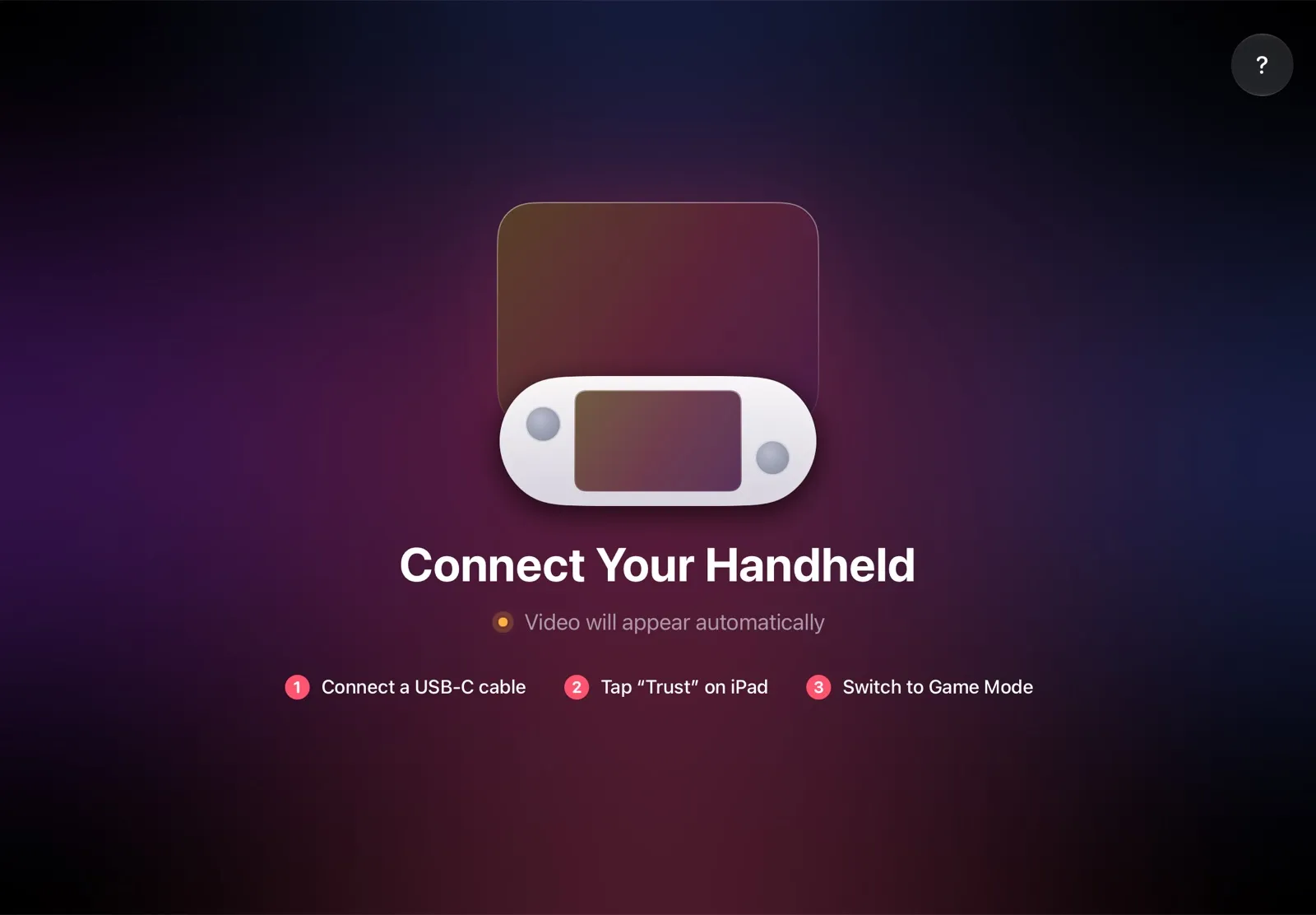
The installation guide has every step. TypeScreen works the same way on a Steam Deck: iPad as a monitor for Steam Deck compares the other ways to use an iPad as the screen.
Why it’s the simplest way:
- Nothing to buy. The app is free, and the cable is the one you already have.
- The big screen goes with you. The iPad fits in the same bag as the Ally, so you can play on it at a desk, in a hotel or on a train.
- No Wi‑Fi lag. The picture goes over the cable, so a slow or busy network can’t add delay.
- Made for your devices. The Ally detects the iPad’s display and picks the resolution and frame rate for it.
Which bigger screen should you use?
- You own an iPad: TypeScreen — a bigger screen with nothing to buy.
- You play at home, next to a TV: a USB‑C to HDMI adapter or a dock.
- You play at a desk: a monitor.
- No iPad, and you travel a lot: a portable monitor, or AR glasses if you play alone.
FAQ
What is the ROG Ally screen size in inches and cm?
7 inches (about 17.8 cm) diagonally on the ROG Ally, ROG Ally X, ROG Xbox Ally and ROG Xbox Ally X. The screen itself is about 15.5 × 8.7 cm (155 × 87 mm), or 6.1 × 3.4 inches. The ROG Xbox Ally X20 has a 7.4-inch (18.8 cm) OLED screen.
What is the ROG Xbox Ally X screen size?
7 inches, with 1920 × 1080 pixels at 120 Hz: the same screen specs as the ROG Xbox Ally, the ROG Ally X and the original ROG Ally. Only the ROG Xbox Ally X20 is bigger, at 7.4 inches.
What is the ROG Ally X resolution?
1920 × 1080 (Full HD, or 1080p) in a 16:9 shape, at up to 120 Hz with FreeSync Premium. The ROG Ally resolution is the same on every model, X20 included: the ROG Xbox Ally has a 1080p screen too, and 720p is a setting in games, not the screen.
Is the ROG Ally screen OLED?
Not on the ROG Ally, Ally X, Xbox Ally or Xbox Ally X: they have IPS-level LCD screens with 500 nits of brightness. The ROG Xbox Ally X20 is the first with OLED, at 600 nits in SDR and up to 1,400 nits in HDR. HDR (Dolby Vision) is also only on the X20.
Is the ROG Ally bigger than the Steam Deck?
Its screen isn’t: a 7-inch Ally screen has about 5% less area than the 7-inch Steam Deck LCD and about 15% less than the 7.4-inch Steam Deck OLED, though it has about twice as many pixels. The consoles are close in size: the original Ally (280 × 111 mm, 608 g) is smaller and lighter than the Deck (298 × 117 mm, 640–669 g), and the ROG Xbox Ally X (290 × 121 mm, 715 g) is a little narrower but taller and heavier.
What are the ROG Xbox Ally X dimensions and weight?
290 × 121 × 27.5–50.9 mm (11.42 × 4.76 × 1.08–2.00 inches) and 715 g (1.58 lb), according to ASUS. The ROG Xbox Ally is the same size and weighs 670 g (1.48 lb).
How does the ROG Ally screen compare to an iPad?
With TypeScreen, the Ally’s picture covers about 1.3 times the area of its own screen on an iPad mini, 2.1 times on an 11-inch iPad and 2.9 times on a 13-inch iPad.
Can you make the ROG Ally screen bigger?
The built-in screen stays 7 inches (7.4 on the X20), but you can play on a bigger one: your iPad with TypeScreen, or a TV or a monitor over USB‑C.