
Steam Deck Screen Size: Too Small? How to Go Bigger (2026)
The Steam Deck screen size is 7 inches on the LCD model and 7.4 inches on the OLED model, measured diagonally, and both have 1280 × 800 pixels. In your hands, that works for most games. It starts to feel small with tiny text, in long sessions at a desk or on the couch, and when someone else wants to watch. Here’s how the two screens compare and how to play on a bigger one — including the iPad you may already own.
| Way | What to buy | What you connect | Cost | Works away from home |
|---|---|---|---|---|
| TypeScreen with your iPad | nothing | the iPad and one USB‑C cable | free | yes |
| TV | USB‑C to HDMI adapter or a dock | the TV, the adapter or dock, an HDMI cable | a $34.95 hub or the $79 Valve dock | only where there’s a TV you can use |
| Desk monitor | a monitor, if you don’t have one | the monitor and a cable | the monitor | no |
| Portable monitor | the monitor | the monitor and a cable | about $130–240 | yes |
| AR glasses | the glasses | the glasses and their cable | $399 on sale (XREAL One) | yes |
Steam Deck screen size: LCD vs OLED
| Steam Deck LCD | Steam Deck OLED | |
|---|---|---|
| Screen size (diagonal) | 7 inches | 7.4 inches |
| Width × height | about 15.1 × 9.4 cm (5.9 × 3.7 in) | about 15.9 × 10.0 cm (6.3 × 3.9 in) |
| Resolution | 1280 × 800, 16:10 | 1280 × 800, 16:10 |
| Panel | optically bonded IPS LCD | HDR OLED |
| Refresh rate | 60 Hz | up to 90 Hz |
| Brightness | 400 nits typical | 600 nits SDR, 1,000 nits peak HDR |
| Console size and weight | 298 × 117 × 49 mm, about 669 g | 298 × 117 × 49 mm, about 640 g |
Sizes, panels and brightness are from Valve’s tech specs for the OLED and LCD models, checked in October 2026; width and height are calculated from the diagonal and the 16:10 shape.
The OLED screen is 0.4 inches bigger with the same number of pixels, so its pixels are slightly larger: about 204 per inch versus 216 on the LCD. Both screens have the same 16:10 shape, a little taller than a 16:9 TV.
Steam Deck screen size vs Switch 2 and other handhelds
| Handheld | Screen | Resolution | Refresh rate |
|---|---|---|---|
| Steam Deck LCD | 7-inch IPS LCD | 1280 × 800, 16:10 | 60 Hz |
| Steam Deck OLED | 7.4-inch OLED | 1280 × 800, 16:10 | up to 90 Hz |
| Nintendo Switch 2 | 7.9-inch LCD | 1920 × 1080, 16:9 | up to 120 Hz |
| Nintendo Switch OLED | 7-inch OLED | 1280 × 720, 16:9 | — |
| ROG Xbox Ally X | 7-inch IPS-level | 1920 × 1080, 16:9 | 120 Hz |
| Lenovo Legion Go 2 | 8.8-inch OLED | 1920 × 1200, 16:10 | 144 Hz |
Specs from Nintendo (Switch 2), Nintendo (Switch OLED), ASUS and Lenovo, checked in October 2026.
The Switch 2 screen is half an inch bigger than the Steam Deck OLED, and the Legion Go 2 screen is 1.4 inches bigger. Even 8.8 inches is less than an 11-inch iPad. Every Ally model is compared in ROG Ally screen size, and Lenovo’s 8-inch handheld in Legion Go S screen size.
Is the Steam Deck screen too small?
At arm’s length, 7 inches is enough for most games. It can feel too small in three situations:
- Text-heavy games. Strategy maps, RPG menus and subtitles are hard to read at this size.
- Long sessions at a desk or on the couch. You hold the Deck closer, or squint.
- Playing with someone watching. A 7‑inch screen is a screen for one.
You can’t make the built-in screen bigger. For a quick look at small text, the Steam Deck magnifier zooms in while you hold Steam and L1; for a bigger picture all the time, the Deck can send it to a TV, a monitor or an iPad.
Play Steam Deck on a TV
The Deck’s USB‑C port supports DisplayPort 1.4 Alt Mode — up to 4K at 120 Hz or 8K at 60 Hz, according to Valve. That’s what the port can output, not the resolution games run at. Connect a USB‑C to HDMI adapter, or a hub or dock with HDMI — for example, Plugable’s 7‑in‑1 hub ($34.95) or Valve’s Steam Deck Dock ($79), US prices as of October 2026. Game sound plays through the TV. Step by step: how to connect Steam Deck to a monitor or TV; once it’s connected, Steam Deck docked mode explains the resolution and TV settings.
Downsides:
- You play where the TV is, and only if it’s free.
- An adapter alone leaves the Deck on battery; a dock is one more box with its own power supply.
Use a monitor or a portable monitor
A desk monitor with HDMI connects the same way as a TV, and one with a USB‑C input that accepts DisplayPort needs just a cable. Portable monitors are usually 15 to 16 inches and 1080p, and they fit in a bag: the 16.1‑inch Arzopa Z1FC was $129.99 on sale and Plugable’s 15.6‑inch USB‑C monitor $239.95, US prices as of October 2026. If you already own an iPad, compare first: iPad vs portable monitor.
Downsides:
- A desk monitor stays on the desk.
- A portable monitor is one more device to buy and carry, and some need their own power adapter.
Use AR glasses
AR glasses plug into the Deck’s USB‑C port and show the game on a large virtual screen in front of your eyes. For example, XREAL One is $399 on sale, down from $499, in XREAL’s US store as of October 2026.
Downsides:
- The XREAL One costs $399 on sale.
- Only the person wearing them sees the game.
- They take the Deck’s only USB‑C port, so charging while you play needs an adapter.
Play Steam Deck on your iPad’s bigger screen
TypeScreen, our app, turns your iPad into a wired screen for Steam Deck: the Deck encodes the picture in hardware and sends it to the iPad over one USB‑C cable, the same cable you charge the iPad with. You keep playing with the Deck’s controls, and the iPad gives you the big screen — iPads range from 8.3 inches (iPad mini) to 13 inches (iPad Air and iPad Pro).
How much bigger? The game keeps the Deck’s 16:10 shape, with thin bars at the top and bottom of the iPad screen. On an 11-inch iPad, the picture is about twice the area of the Deck’s screen; on a 13-inch iPad, close to three times. A pinch fills the whole iPad screen.

Screens to scale from Valve and Apple specs, October 2026. The 11-inch figures are the same for the iPad and the 11-inch iPad Air; the iPad Pro screens are slightly larger: ×2.4 and ×3.1.
What you need: an iPad with iPadOS 17 or later, a Steam Deck or another SteamOS handheld in Game Mode, and a USB‑C cable.
How to set it up:
- Install TypeScreen on the iPad. It’s free on the App Store.
- Install TypeScreen on the Deck from the iPad app — once, at home, with both devices on Wi‑Fi and the Deck online. The app walks you through turning on Developer Mode and selecting “Pair new host”.
- Connect the cable and tap Trust on the iPad. In Game Mode, your game appears on the iPad automatically.
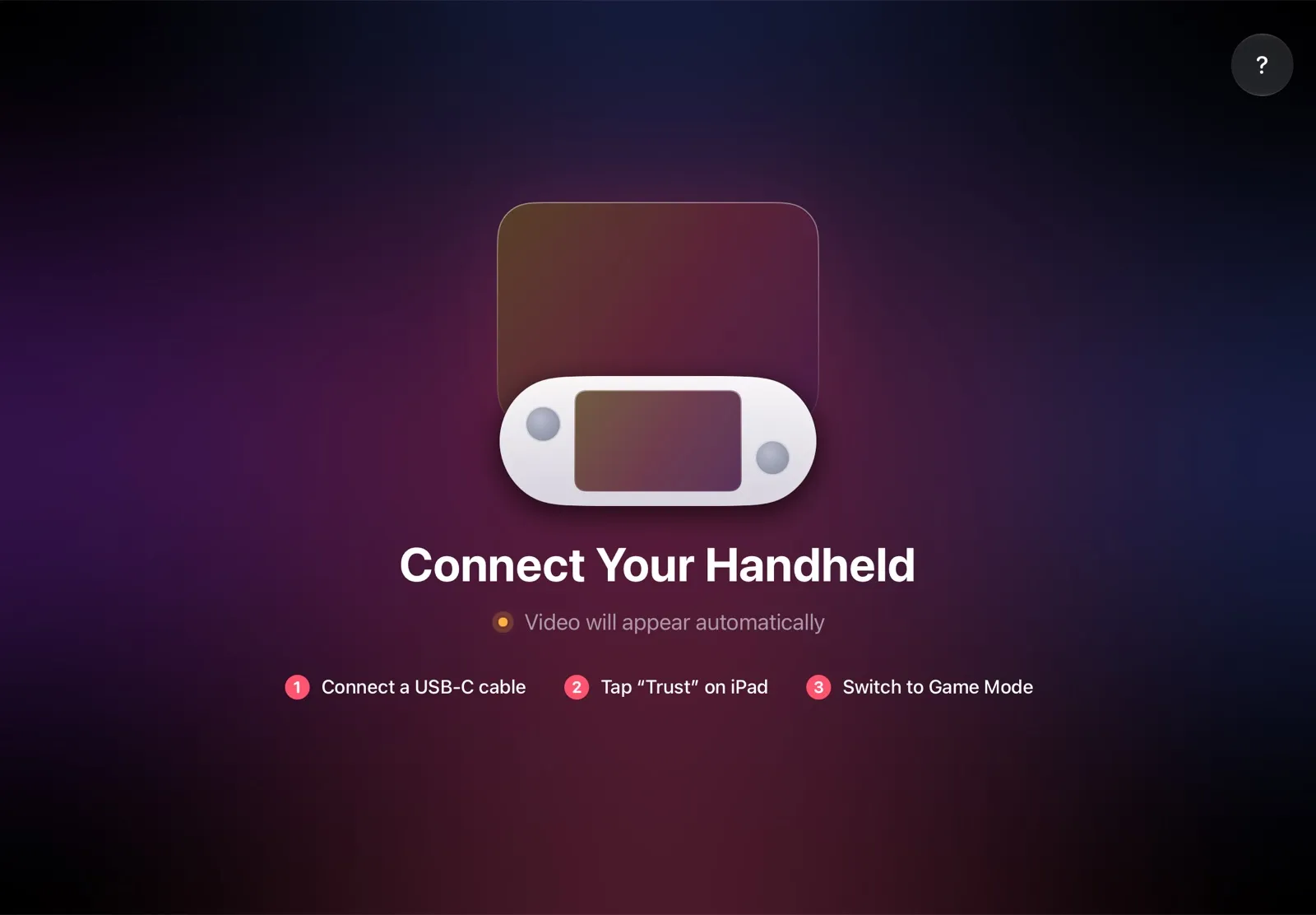
The installation guide has every step, and iPad as a monitor for Steam Deck compares the other ways to use an iPad as the screen.
Why it’s the simplest way:
- Nothing to buy. The app is free, and the cable is the one you already have.
- The big screen goes with you. The iPad fits in the same bag as the Deck, so you can play on it at a desk, in a hotel or on a train.
- No Wi‑Fi lag. The picture goes over the cable, so a slow or busy network can’t add delay.
- Made for your devices. The Deck detects the iPad’s display and picks the resolution and frame rate for it.
Which bigger screen should you use?
- You own an iPad: TypeScreen — a bigger screen with nothing to buy.
- You play at home, next to a TV: a USB‑C to HDMI adapter or a dock.
- You play at a desk: a monitor.
- No iPad, and you travel a lot: a portable monitor, or AR glasses if you play alone.
FAQ
What is the Steam Deck screen size in inches and cm?
7 inches (about 17.8 cm) diagonally on the LCD model and 7.4 inches (about 18.8 cm) on the OLED model. The screen itself is about 15.1 × 9.4 cm (151 × 94 mm) on the LCD and 15.9 × 10.0 cm (159 × 100 mm) on the OLED.
Is the Steam Deck OLED screen bigger?
Yes, slightly: 7.4 inches versus 7, with the same 1280 × 800 resolution. It’s also brighter and runs at up to 90 Hz instead of 60.
Is the Steam Deck screen 720p or 1080p?
Neither. Both models have a 1280 × 800 screen, often called 800p: as wide as 720p and 80 pixels taller. On an external screen, the Deck’s port can output up to 4K at 120 Hz; the resolution a game runs at depends on the game and its settings.
Is the Steam Deck screen 16:9?
No. Both screens are 16:10, slightly taller than the 16:9 of most TVs and of the Switch 2 and ROG Xbox Ally X.
How does the Steam Deck screen compare to an iPad?
With TypeScreen, the Deck’s picture on an 11-inch iPad covers about twice the area of its own screen, and on a 13-inch iPad close to three times. An iPad mini, at 8.3 inches, is the smallest step up.
Can you make the Steam Deck screen bigger?
The built-in screen stays 7 or 7.4 inches, but you can play on a bigger one: a TV or a monitor over USB‑C, or your iPad with TypeScreen.