
Duet Display for Steam Deck: Does It Work? (2026)
Duet Display for Steam Deck sounds like the perfect fit: Duet turns an iPad into a second screen for a computer. But on a Steam Deck running SteamOS, there’s nothing for it to connect to. Here’s why, which other second-screen apps have the same limit, and what actually turns your iPad into a Steam Deck screen.
| App | Works with Steam Deck (SteamOS) | Connection | Price |
|---|---|---|---|
| TypeScreen | yes, in Game Mode | one USB‑C cable | free |
| Duet Display | no — Mac and Windows | cable or Wi‑Fi | subscription from $3.99 a month |
| spacedesk | no — Windows and macOS (beta) | USB, Wi‑Fi or LAN | free |
| Apple Sidecar | no — Mac only | cable or wireless | built into macOS |
US App Store prices as of October 2026.
Does Duet Display work with Steam Deck?
Not on SteamOS. Duet Display has two sides: the app on your iPad and software on the computer whose screen you extend. Duet’s own pages list that computer side for Mac (macOS 12.3 or later) and Windows (Windows 10 or later). Linux isn’t on the list, and the Steam Deck ships with SteamOS, which is based on Linux. With nothing to install on the Deck, there’s nothing for the iPad app to connect to.
Duet’s iPad app itself is free, with subscriptions — from $3.99 a month or $39.99 a year on the App Store — but none of them adds a Linux version.
Downsides for a Steam Deck: no SteamOS version, and the paid plans are subscriptions.
Other Duet Display alternatives for Linux
Other popular second-screen apps don’t list Linux either:
- spacedesk — its driver runs on Windows 10 and 11, with a macOS 14.4+ beta. No Linux.
- Apple Sidecar — built into macOS and only extends a Mac’s screen.
- Splashtop Wired XDisplay — Mac and Windows only, and its iPad app hasn’t been updated since 2017.
Those apps extend a desktop to the iPad. What a Steam Deck needs is different: its game picture, in Game Mode, on the iPad screen.
What works: TypeScreen
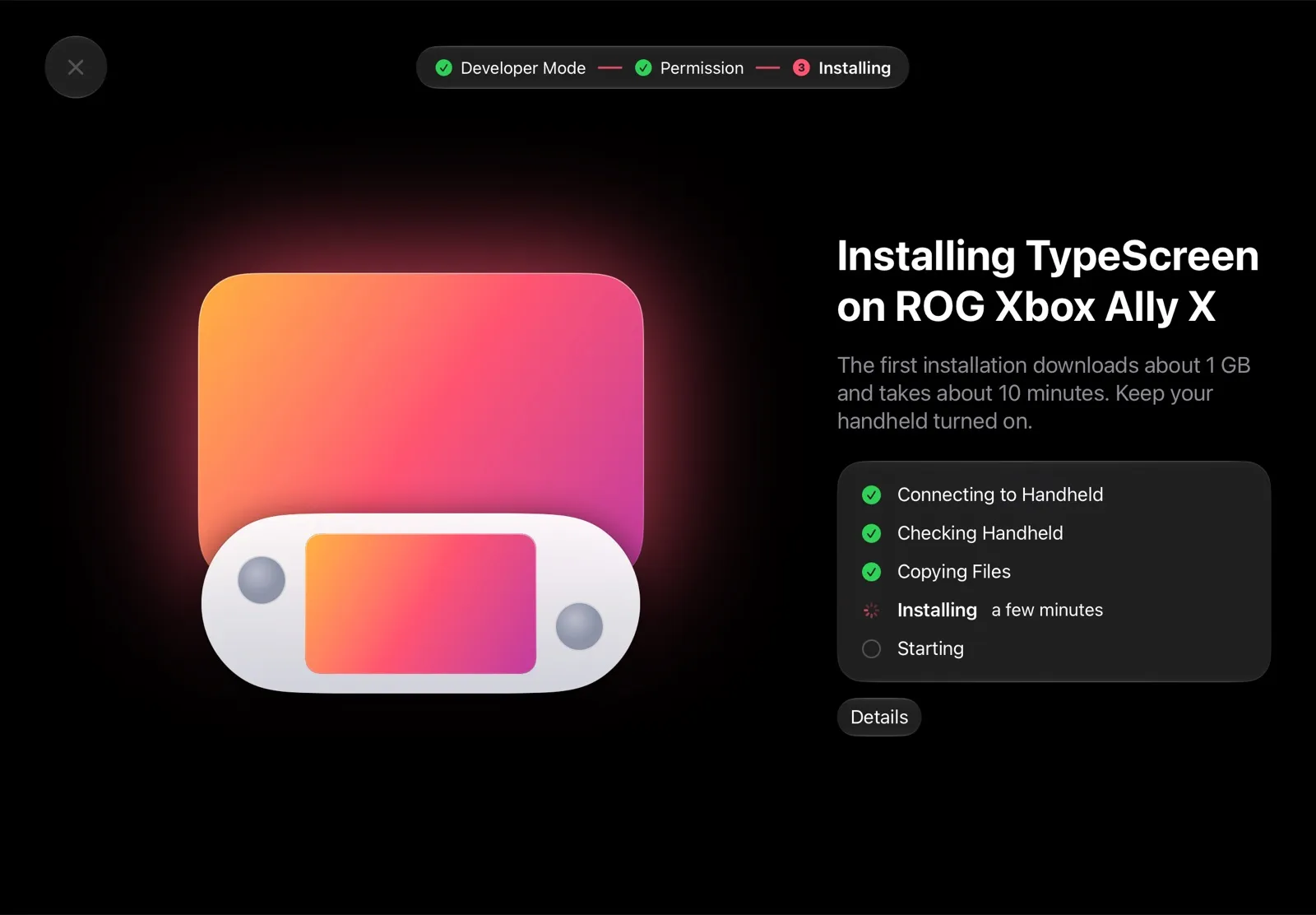
TypeScreen is built for exactly this. It runs on SteamOS handhelds — Steam Deck, ROG Ally, Legion Go and others — and on the iPad: the handheld encodes the game picture in hardware and sends it to the iPad over one USB‑C cable. No capture card, no adapters, no Wi‑Fi while you play.
Why it’s the Duet Display alternative for Steam Deck:
- Made for SteamOS. It installs on the handheld from the iPad app — no desktop, no terminal, no passwords.
- One cable. The USB‑C cable you charge your iPad with is all you need.
- No Wi‑Fi lag. The picture goes over the cable, not a network.
- Free. No subscription.
How to set it up: install TypeScreen on the iPad (free, coming soon to the App Store), then install it on the Deck from the iPad app: turn on Developer Mode and select “Pair new host” on the handheld — this one-time step uses your Wi‑Fi. Then connect the cable and tap Trust. The installation guide has every step, and how to connect Steam Deck to iPad with a USB‑C cable explains what the cable does.
Other ways without Duet
- Steam Link — Valve’s free streaming app; the Deck can be its Remote Play host. It streams over a network, and on an ordinary Wi‑Fi the lag is very noticeable.
- A capture card — HDMI from a hub into a capture card, and a viewer app on the iPad. Four extra parts, about $50–240.
All four ways compared: iPad as a Monitor for Steam Deck.
FAQ
Is there a Duet Display for Linux?
Duet’s pages list Mac and Windows versions only. For a Steam Deck, which runs Linux-based SteamOS, use TypeScreen to make your iPad its screen.
Can I download Duet Display for SteamOS or Arch Linux?
No such version is listed: as of October 2026, Duet offers its computer app for Mac and Windows only. SteamOS is based on Arch Linux, so the same goes for it. For a SteamOS handheld in Game Mode, use TypeScreen over a USB‑C cable.
What’s a free Duet Display alternative for Steam Deck?
TypeScreen: it’s free, runs on SteamOS, and needs only a USB‑C cable between the Deck and the iPad.
Can I use my iPad as a second screen for Steam Deck?
Yes, as a big screen for your games: with TypeScreen, the iPad shows what the Deck shows, over one USB‑C cable.