
Orion App Alternative: iPad as a Steam Deck Screen Without a Capture Card (2026)
Orion turns an iPad into an HDMI monitor with the help of a capture card — so with a Steam Deck, you have to buy a capture card, a hub and an HDMI cable first. If you’re looking for an Orion app alternative that skips all that, here’s how the two compare, how to fix Orion when it shows nothing, and how to use your iPad as a Steam Deck screen over one USB‑C cable.
| Way | Extra hardware | Between the Deck and the iPad | Cost |
|---|---|---|---|
| TypeScreen | none | one USB‑C cable | free |
| Orion + capture card | capture card, hub or dock, HDMI cable | hub → HDMI cable → capture card → USB‑C cable | free app (Pro $9.99) plus about $50–240 in parts |
Prices are US prices as of October 2026.
How Orion works
HDMI Monitor – Orion by Lux shows the picture from a USB capture card on an iPad. Since iPadOS 17, an iPad with a USB‑C port can use external UVC devices, and an HDMI capture card is one of them — to iPadOS, it’s a camera. The app is free; Orion Pro is a one-time $9.99 purchase on the US App Store and adds options such as CRT effects and AI upscaling.
For a Steam Deck, the chain is: Deck → USB‑C hub or dock with HDMI → HDMI cable → capture card → iPad. Connect it all, open Orion and allow camera access when the iPad asks.
Downsides:
- Four parts to buy and carry, and the hub takes the Deck’s only USB‑C port.
- It needs an iPad with USB‑C and iPadOS 17 or later.
- App Store reviews mention lag and missing or mono sound with some cards.
Orion iPad app not working? Check these
- It must be a capture card. Lux points out that a USB‑C hub with video output or a USB‑C to HDMI adapter can’t capture video — Orion needs a real HDMI capture card.
- Your iPad needs USB‑C and iPadOS 17. iPads with a Lightning port can’t use capture cards.
- Check the HDMI side. The Deck has to output to the hub or dock: if the hub’s HDMI stays dark on a TV, it will stay dark in Orion too. Updating SteamOS and trying External Display Safe Mode in the Deck’s Display settings can help. More checks: Steam Deck monitor not working.
- Use a good HDMI cable. Lux recommends a high-speed one.
- Picture doesn’t fill the screen? Capture cards send 16:9 video, and the iPad screen is closer to 4:3. Since version 1.1, Orion can fill it: tap the adjust button, then the fill button — the sides of a widescreen picture get cropped.
The alternative: TypeScreen
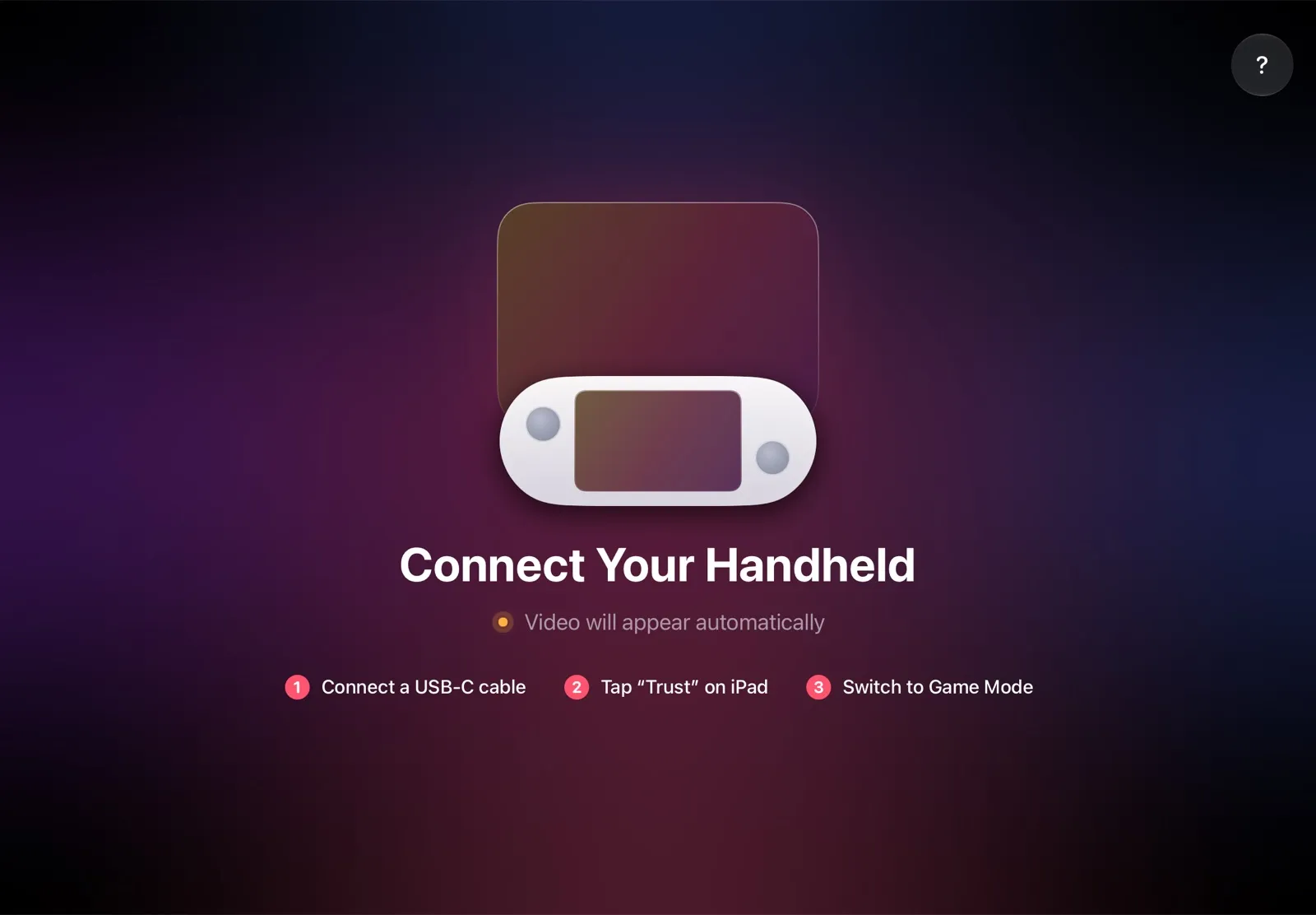
TypeScreen skips the capture card entirely. The Steam Deck — or another SteamOS handheld — encodes the game picture in hardware and sends it to the iPad over the same USB‑C cable you charge the iPad with. The iPad app shows it full screen.
Why it’s the simpler Orion alternative:
- No capture card, hub or HDMI. One USB‑C cable, nothing else.
- Nothing to buy. The app is free, and the cable is the one you already have.
- No Wi‑Fi while you play. The picture goes over the cable.
- Fitted to your iPad. The handheld recognizes the iPad screen and picks the picture size and frame rate for it; a pinch fills the whole screen.
How to set it up: install TypeScreen on the iPad (free, coming soon to the App Store), install it on the Deck from the iPad app once, then connect the cable and tap Trust. The installation guide has every step, and how to connect Steam Deck to iPad with a USB‑C cable explains how the picture gets over the cable.
Which should you use?
- You play a Steam Deck or another SteamOS handheld: TypeScreen — one cable, no extra hardware.
- You already own a capture card and play other consoles too: Orion with that card, or another viewer app such as Genki Studio or Elgato Capture.
Every way to use an iPad as a Steam Deck screen: iPad as a Monitor for Steam Deck.
FAQ
Can I use an iPad as a monitor without a capture card?
For a Steam Deck or another SteamOS handheld, yes — with TypeScreen over a USB‑C cable. For other HDMI devices, an iPad needs a capture card and an app like Orion.
Is Orion free?
The app is free; Orion Pro is a one-time in-app purchase ($9.99 on the US App Store as of October 2026). The capture card, hub and cable cost extra.
Why is my Orion picture black with a Steam Deck?
First check that the chain has a real capture card and that the Deck is outputting to the hub — see the list above. Or skip the chain with TypeScreen.