
Steam Deck Screen Upgrade: DeckSight, DeckHD or OLED (2026)
A Steam Deck screen upgrade for the LCD model comes down to four options in 2026: DeckSight, a 1080p OLED panel from Shade Technik; DeckHD, a 1200p IPS panel whose maker’s site went down this summer; a genuine replacement LCD from iFixit; or a new Steam Deck OLED, now $789. Each one gets you a sharper, brighter or simply working screen, but none makes it much bigger: the swaps stay 7 inches, and the OLED Deck’s 7.4-inch screen has about 12% more area. Here’s what each option costs and involves in October 2026, and how to get a screen more than twice as big without opening the Deck.
| Way | Screen you play on | Open the Deck | Custom BIOS | Cost |
|---|---|---|---|---|
| TypeScreen with your iPad | your iPad, 8.3 to 13 inches | no | no | free |
| DeckSight | 7-inch OLED, 1920 × 1080 | yes | yes | $130–140, or $220–230 installed; pre-order only |
| DeckHD | 7-inch IPS, 1920 × 1200 | yes | yes | $99, not on sale in October 2026 |
| Genuine LCD screen | 7-inch LCD, 1280 × 800 | yes | no | $144.99–199.99 at iFixit, out of stock in October 2026 |
| Steam Deck OLED | 7.4-inch OLED, 1280 × 800 | no, it’s a new Deck | no | $789 (512 GB) |
US prices as of October 2026, from Shade Technik, iFixit and Valve; DeckHD’s price is from its site in June 2026.
Steam Deck screen upgrade options compared
| Stock LCD | DeckHD | DeckSight | Steam Deck OLED | |
|---|---|---|---|---|
| Screen size | 7 inches, 16:10 | 7 inches, 16:10 | 7 inches, 16:9 | 7.4 inches, 16:10 |
| Resolution | 1280 × 800 | 1920 × 1200 | 1920 × 1080 | 1280 × 800 |
| Panel | IPS LCD | IPS LCD | AMOLED, HDR | OLED, HDR |
| Refresh rate | 60 Hz | 60 Hz | 80 Hz | up to 90 Hz |
| Brightness | 400 nits | 400 nits | 800 nits | 600 nits SDR, 1,000 nits HDR |
| Pixels per inch | about 216 | about 323 | about 315 | about 204 |
Specs from Valve for the LCD and OLED models, DeckHD’s site (June 2026 copy) and Shade Technik, checked in October 2026; pixels per inch are calculated from the size and resolution.
Both kits have about 1.5 times the stock pixel density, so text and edges look sharper, and DeckSight adds OLED contrast, HDR and twice the brightness. The size barely changes: both are 7-inch panels, and DeckSight’s 16:9 panel is slightly wider and shorter than the 16:10 original, Shade Technik says. More pixels also mean more work for the same chip: 1920 × 1200 is 2.25 times the pixels of 1280 × 800, and in DeckHD’s own test, Planet of Lana ran at about 85 fps at 1200p, against about 100 fps on a stock Deck. Valve’s two screens are compared in Steam Deck screen size.
DeckSight: a 1080p OLED screen for the LCD Steam Deck
DeckSight, from Shade Technik, is a Steam Deck OLED screen upgrade for the LCD model: a 7-inch AMOLED panel with 1920 × 1080 pixels, 800 nits and 80 Hz in Game Mode, with HDR working as on the Steam Deck OLED, per the maker. As a Steam Deck screen upgrade kit you fit yourself, it comes with its own display cable and adhesive strips and costs $140 with matte anti-glare glass or $130 with glossy glass. Shade Technik also installs it for $230 or $220, BIOS flash included.
It’s sold only through Shade Technik’s store, to US and Canadian addresses, in pre-order waves. The first wave opened on September 15, 2026 and was set to close on October 27, with shipping estimated for January 27, 2027 if it got enough orders. On battery life, Shade Technik says most games need more power at 1080p; in its test, Metal Gear Solid V at 720p lasted about half an hour longer than on the stock LCD at 800p (Crowd Supply, December 2024).
Downsides:
- In October 2026, a pre-order rather than a part in stock, shipped only to the US and Canada.
- It needs Shade Technik’s patched BIOS, and after the flash the stock LCD no longer works (installation guide). If a SteamOS update flashes Valve’s BIOS back, DeckSight stays dark until you rerun the installer with an external monitor, Shade Technik says.
- The motherboard comes out, and the glued-in stock LCD may crack: Shade Technik warns of that even for its own install service.
- The 16:9 panel is a little shorter than the stock screen.
DeckHD: a 1200p IPS screen you can’t order now
DeckHD, from FX Technology, is a 7-inch 1920 × 1200 IPS panel for the LCD Deck, covering 87% of sRGB, with 400 nits, 60 Hz and anti-glare glass. It was $99 on DeckHD’s site in June 2026, the last working copy in the Internet Archive. On October 20, 2026, deckhd.com returned a Cloudflare 522 error, so there’s no store or support page.
It needs a custom BIOS too, which DeckHD’s FAQ says you reflash after every SteamOS update, because the update reverts it. The same FAQ has its battery test: in GTA V Online at a 30 fps cap, the DeckHD Deck at 1200p drew 3 to 5 W more than a stock Deck at 800p and shut down after about two hours, while the stock one still had 30% left. At 800p, both drained about the same.
Downsides:
- No store or support page from the maker in October 2026.
- A BIOS to reflash after every SteamOS update.
- At 1200p, lower frame rates and shorter battery life, in DeckHD’s own tests.
Steam Deck screen replacement with genuine LCD parts
iFixit is Valve’s partner for Steam Deck repair parts, according to Valve. Its genuine 64 GB/256 GB screen is $144.99, or $149.99 as a Fix Kit with tools, and the 512 GB screen with anti-glare etched glass is $194.99 or $199.99; both were out of stock on October 20, 2026.
iFixit’s guide rates the job moderate, 2 to 3 hours, and calls for fresh thermal paste on the heatsink when it goes back in. Or hand it to Valve: its RMA guide says it may offer paid repair when the warranty doesn’t cover the damage.
Downsides:
- Out of stock at iFixit in October 2026.
- You get the same 7-inch 1280 × 800 screen back.
- Two to three hours of work, with the motherboard out.
Steam Deck OLED screen replacement and LCD-to-OLED swaps
Valve’s OLED screen doesn’t fit an LCD Deck. When the OLED model was announced in November 2023, Valve’s Lawrence Yang said displays can’t be swapped between the two because the motherboards are incompatible and the internals were overhauled. He told PC Gamer: “I’m sure people will try it, but it’s probably not going to go well.”
So iFixit’s OLED screens, in stock in October 2026, are repair parts for the OLED Deck: the 512 GB glossy screen is $94.99, or $104.99 as a Fix Kit, and the 1 TB etched-glass screen is $119.99 or $129.99. iFixit’s guide puts that Steam Deck OLED screen replacement at 1 to 2 hours.
Should you buy a Steam Deck OLED instead?
Valve’s store now sells only the OLED model: in December 2025, Valve said it was no longer making the last LCD Deck, the 256 GB (GamingOnLinux). On May 27, 2026, it raised the price of both OLED models, citing memory and storage costs: in the US, 512 GB is now $789 and 1 TB $949, up from $549 and $649 (Gematsu). Valve’s Certified Refurbished Decks are cheaper, $629 for a 512 GB OLED and $279–359 for an LCD, but all were out of stock on October 20, 2026.
For the money, you get a 7.4-inch HDR OLED at up to 90 Hz, with 600 nits in SDR and 1,000 at the HDR peak, and 30–50% more battery life than the LCD model, by Valve’s count.
Downsides:
- $789 for 512 GB, $240 more than before May 2026.
- Still 1280 × 800, on a screen 0.4 inches bigger: about 12% more area.
- Valve warns the OLED may be out of stock at times in some regions because of memory and storage shortages.
What a Steam Deck screen swap involves
On an LCD Deck, the job is the same for any panel, as iFixit and Shade Technik describe it: with the back cover off and the battery disconnected, the fan, heatsink and motherboard come out; then you warm the glued-in screen, lift it out with a suction cup and picks, and fit the new one with fresh adhesive and its own cable. Shade Technik calls removing the stock LCD the most difficult part, and DeckSight or DeckHD add a BIOS flash.
Check the warranty first. Valve’s Hardware Warranty runs one year from shipment and doesn’t cover a problem caused by a modification or by a repair outside a Valve-designated service center, or damage caused by either.
Want a bigger screen, not a sharper one? Use your iPad
Unlike a Steam Deck screen upgrade, TypeScreen, our app, leaves the Deck’s screen as it is and puts your game on a much bigger one: your iPad. The Deck encodes the picture in hardware and sends it to the iPad over one USB‑C cable, the same cable you charge the iPad with, and you keep playing with the Deck’s controls. iPads range from 8.3 inches (iPad mini) to 13 inches (iPad Air and iPad Pro).
How much bigger? The game keeps the Deck’s 16:10 shape, with thin bars at the top and bottom of the iPad screen. Compared with the 7-inch LCD, the picture has about 1.4 times the area on an iPad mini, 2.3 times on an 11-inch iPad and 3 times on a 13-inch iPad. A pinch fills the whole iPad screen.

Screens to scale from Valve and Apple specs, October 2026. The 11-inch figures are the same for the iPad and the 11-inch iPad Air; the iPad Pro screens are slightly larger: ×2.4 and ×3.1.
What you need: an iPad with iPadOS 17 or later, a Steam Deck or another SteamOS handheld in Game Mode, and a USB‑C cable.
How to set it up:
- Install TypeScreen on the iPad. It’s free on the App Store.
- Install TypeScreen on the Deck from the iPad app — once, at home, with both devices on Wi‑Fi and the Deck online. The app walks you through turning on Developer Mode and selecting “Pair new host”.
- Connect the cable and tap Trust on the iPad. In Game Mode, your game appears on the iPad automatically.
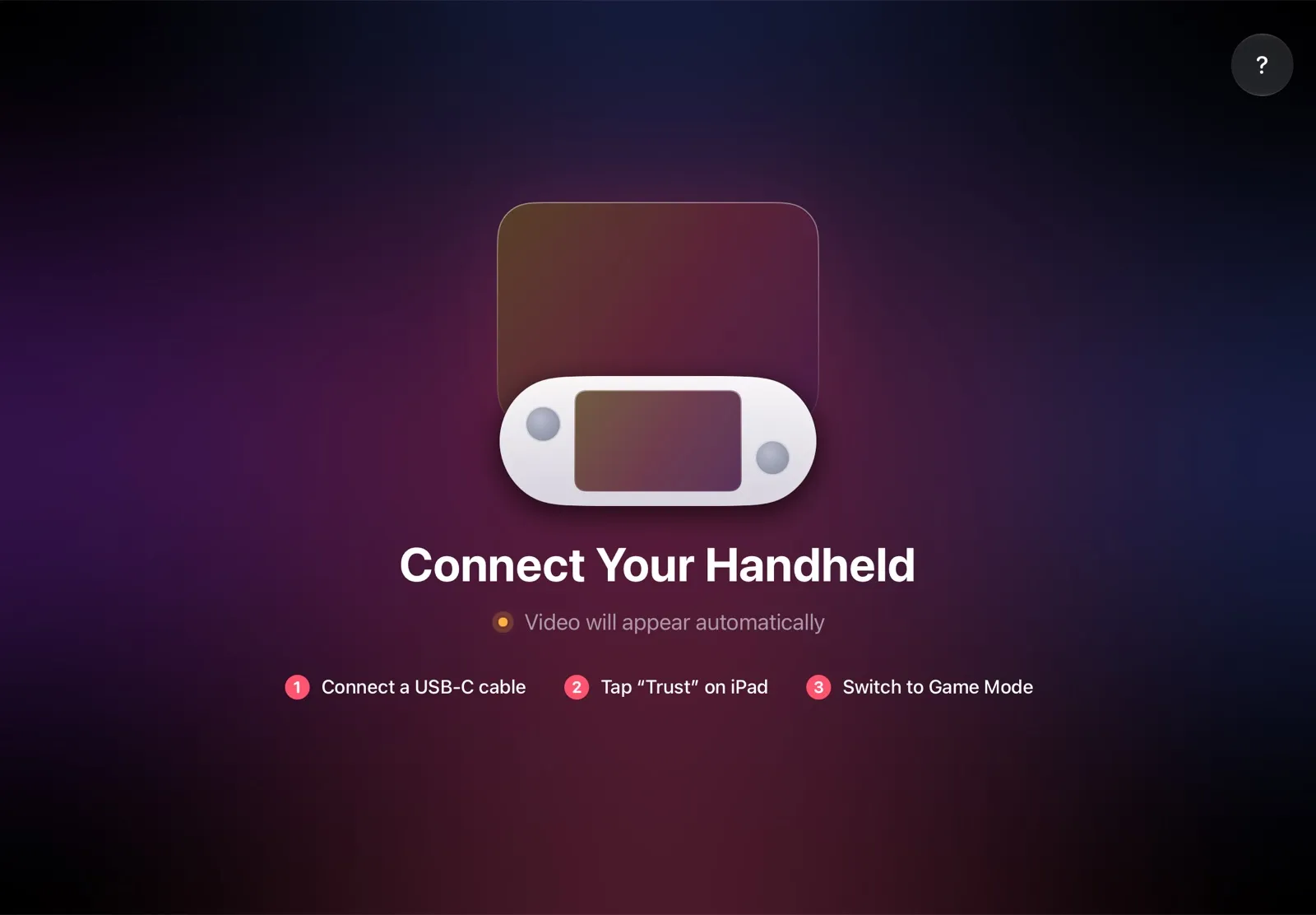
The installation guide has every step, and iPad as a monitor for Steam Deck compares the other ways to use an iPad as the screen.
Why it’s the simplest way:
- Nothing to open or flash. No screws, no adhesive, no custom BIOS.
- Nothing to buy. The app is free, and the cable is the one you already have.
- No Wi‑Fi lag. The picture goes over the cable, so a slow or busy network can’t add delay.
- Made for your devices. The Deck detects the iPad’s display and picks the resolution and frame rate for it.
Which Steam Deck screen upgrade should you choose?
- You want a bigger screen and own an iPad: TypeScreen — up to three times the LCD screen’s area, with nothing to open.
- You want OLED on your LCD Deck and don’t mind a teardown and a custom BIOS: DeckSight, if you can wait for a pre-order wave.
- Your LCD screen is cracked: a genuine iFixit screen when it’s back in stock, Valve’s paid repair, or DeckSight.
- You want an OLED Deck without modding: a Steam Deck OLED, new or refurbished from Valve.
- No iPad: a TV or a monitor over USB‑C (how to connect Steam Deck to a monitor or TV), a portable one (iPad vs portable monitor), or AR glasses for Steam Deck if you play alone.
If small text is the only problem, the Steam Deck magnifier zooms in while you hold Steam and L1.
FAQ
Can you upgrade the Steam Deck screen?
On the LCD model, yes: DeckSight fits a 1080p OLED, DeckHD a 1200p IPS panel, and iFixit sells the genuine LCD. On the OLED model, only the same OLED screen fits, as a repair part.
Can you upgrade a Steam Deck LCD to OLED?
Not with Valve’s parts: Valve says the displays can’t be swapped because the motherboards are incompatible. The third-party DeckSight kit puts an OLED panel in an LCD Deck; otherwise, it’s a new Steam Deck OLED.
Is DeckSight still available?
Only from Shade Technik’s own store, to US and Canadian addresses; Crowd Supply no longer sells it. DeckSight is made to order in pre-order waves: the first opened on September 15, 2026 and was set to close on October 27, with shipping estimated for January 27, 2027. In the store, a “Pre-Order” button means a wave is open, and “Add to cart” means it’s in stock.
What happened to DeckHD?
Its website went down in the summer of 2026. The last working copy in the Internet Archive is from June 14, 2026, when the kit cost $99; on October 20, deckhd.com returned an error.
How much does a Steam Deck screen replacement cost?
At iFixit, a genuine LCD screen is $144.99–199.99 (out of stock in October 2026) and an OLED screen $94.99–129.99. DeckSight is $130–140, or $220–230 installed. Valve quotes its paid repairs case by case.
Is a Steam Deck screen swap hard?
iFixit rates it moderate: 2 to 3 hours on an LCD Deck and 1 to 2 hours on an OLED one. The hardest part is getting the glued-in screen out without cracking it, and DeckSight and DeckHD also need a BIOS flash.
Is there a 1080p screen for the Steam Deck?
Not from Valve: both Decks have 1280 × 800 screens. DeckSight is a 1920 × 1080 OLED for the LCD Deck; DeckHD, a 1920 × 1200 IPS panel, can’t be ordered now.
Does a Steam Deck screen upgrade void the warranty?
Not by itself, but Valve’s one-year warranty doesn’t cover problems caused by a modification or by a repair outside a Valve-designated service center, or damage caused by either.
Does a 1080p or 1200p screen drain the battery faster?
At full resolution, yes. In DeckHD’s test, a Deck at 1200p drew 3 to 5 W more than a stock one at 800p, and the gap went away once both ran at 800p. For DeckSight, Shade Technik says most games need more power at 1080p, but in its test, Metal Gear Solid V at 720p lasted about half an hour longer than on the stock LCD.
How can I get a bigger Steam Deck screen without opening it?
Play on your iPad with TypeScreen over one USB‑C cable: the picture has about 2.3 times the LCD screen’s area on an 11-inch iPad and 3 times on a 13-inch one. A TV or a monitor over USB‑C works too.